FLEXIBLE XP RATE X1 TO X5
Choose your own progression speed. Gold remains at X2 so you can fully enjoy your Vanilla journey.

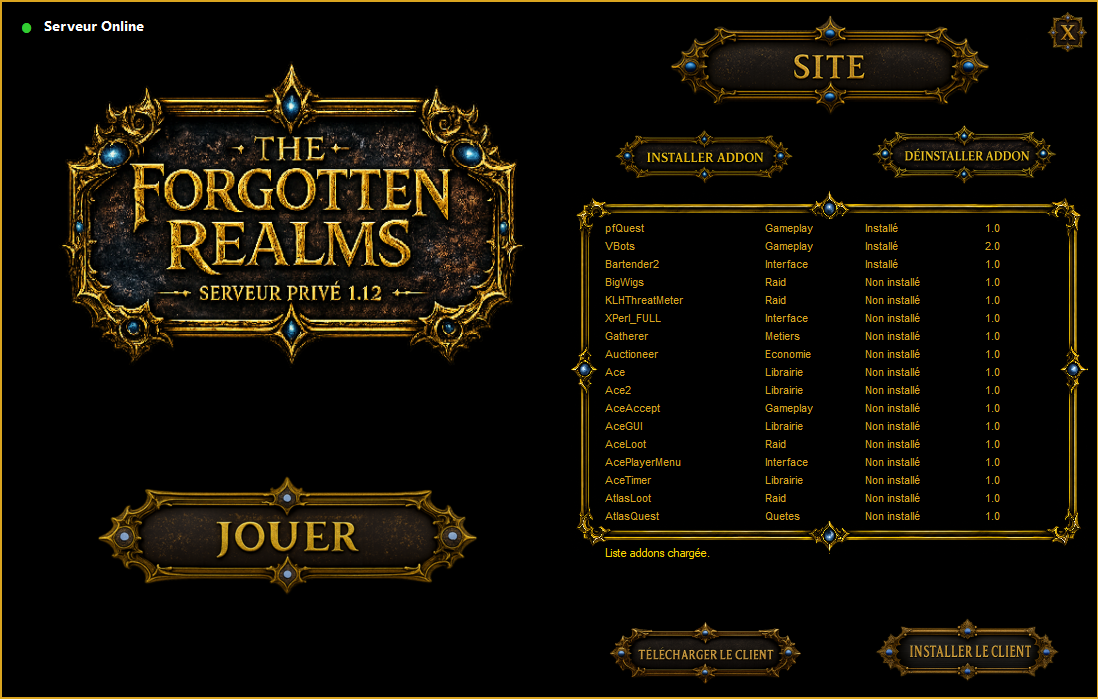
Créez votre compte, téléchargez le launcher, installez le client HD et entrez en Azeroth.
Vous devez d'abord créer un compte. Ce compte vous permettra de vous connecter au jeu et au site web.
Téléchargez le Launcher TFR, puis décompressez le dossier sur votre ordinateur.
Ouvrez le dossier décompressé, puis lancez TFRLauncher.exe.
Le launcher vous guidera pour télécharger le client, l'installer et préparer le jeu.
Avant de vous connecter au serveur, allez dans l'onglet Addons du client et fixez la limite de mémoire addon à 00 Mo en haut à droite.Sans ce réglage, le client peut crash au lancement.
Vous pouvez maintenant commencer à jouer. Pensez à voter pour le serveur via le site afin de gagner des Vote Points et débloquer des services ou récompenses.Si vous avez besoin d'aide, n'hésitez pas à créer un ticket d'assistance.
Votre aventure sur The Forgotten Realms commence maintenant !
Create your account, download the launcher, install the HD client and enter Azeroth.
First, you need to create an account. This account will allow you to log in to both the game and the website.
Download the TFR Launcher, then extract the folder on your computer.
Open the extracted folder and run TFRLauncher.exe.
The launcher will guide you through downloading the client, installing it and preparing the game.
Before connecting to the server, open the Addons tab in the client and set the addon memory limit to 00 MB in the top-right corner.Without this setting, the game client may crash on startup.
You can now start playing. Remember to vote for the server through the website to earn Vote Points and unlock services or rewards.If you need help, feel free to create a support ticket.
Your journey on The Forgotten Realms begins now!